🔒 Email Attachment Limitations
- ● Max 25 MB file size
- ● Slow upload/download times
- ● Increased delivery failures
- ● Potential data loss
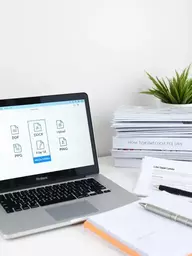
Traditional email services often restrict file sizes, impacting teamwork.
How often have you faced the frustration of sending a large file through email, only to be met with an error message? The challenges of sharing large files are more common than you think, but understanding them can transform your workflow.
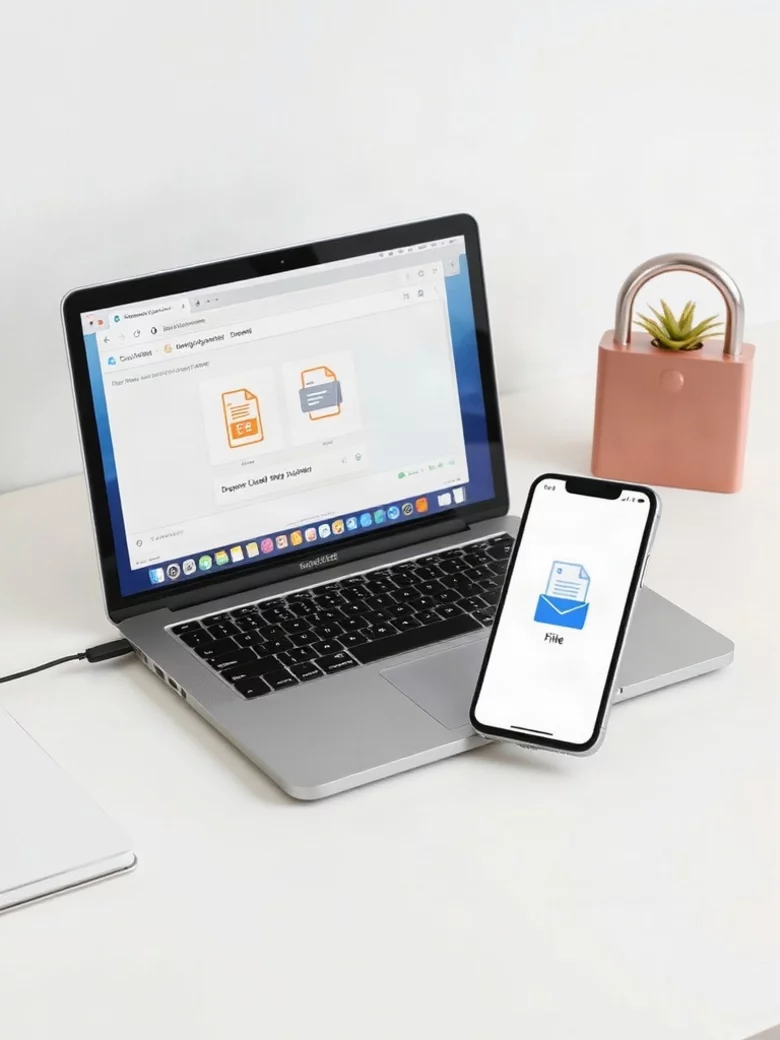
Sending large files via email often leads to frustration. This visual guide illustrates the common challenges and the secure strategies recommended by AceFileDrop to ensure your files reach their destination without a hitch.
Traditional email services often restrict file sizes, impacting teamwork.
Utilize specialized tools for secure and efficient file transfers.
We’ve all been there—trying to send a large file via email only to be greeted by a frustrating error message. The reality is that while email is a convenient tool for communication, it comes with significant limitations when it comes to file size. Understanding these challenges can help us navigate our workflow more effectively.
These size restrictions are often set by email providers to ensure efficient bandwidth usage. Most email services cap attachments at around 25 MB, which might sound sufficient for regular documents but falls short for large files like videos or high-resolution images. So, how do we tackle this issue?
Let’s dive a little deeper into the reasons behind these restrictions. Email attachments need to travel through various servers before reaching the recipient, which can lead to congested data pathways. Since each server has its own capacity, keeping file sizes manageable is crucial for maintaining server speed and reliability.
Additionally, larger files can increase the chances of email delivery failures. When files exceed the limit, they simply won't go through. This means we need to explore alternative methods for sharing large files, which I'll cover next!
Encountering problems while trying to send large files via email is more common than you might think. Some common issues include:
These challenges can lead to delays in project timelines and increased frustration. That's why it's essential to find a solution that simplifies file sharing and minimizes these hurdles.
When you rely on email for file sharing, these size limits can have a cascading effect on your workflow. Imagine trying to collaborate with your team on an important project, only to be stalled by a rejected attachment! It can be incredibly frustrating.
To avoid these setbacks, consider the following impacts:
As someone who values smooth project collaboration, I understand how crucial it is to find a reliable solution, like AceFileDrop, that enables secure file sharing without the technical headaches. Let’s explore effective methods to overcome these challenges in the next section!
When sharing large files, consider compressing them into a ZIP format before sending. This not only reduces the file size but also allows you to bundle multiple files into a single attachment. This method can help you stay within email size limits while ensuring that recipients receive all the necessary documents in one go!
As we explore the world of file sharing, it's essential to remember that secure file transfer strategies can significantly improve your workflow. At AceFileDrop, we emphasize the importance of choosing the right methods to send large files securely. Here are some key takeaways to help you:
These strategies not only streamline your file sharing but also ensure that your valuable content remains protected. For comprehensive guidance on protecting data during transfers, refer to resources like the Canadian Centre for Cyber Security's data transfer protection guidelines. Remember, choosing the right tools is key to enhancing collaboration without the hassle!
When sending large files, it’s crucial to reflect on what you’ve learned about secure file sharing. Here are some vital points to consider:
By keeping these takeaways in mind, you can approach file sharing with confidence, knowing that you’re using methods that prioritize security and compliance. For official procedures on secure data transmittal, sources like the U.S. Department of Energy's guidelines offer valuable insights. It’s about empowering your projects and ensuring that everyone involved has access to what they need without compromising safety.
As you decide on the best methods for secure file transfer, consider what fits your unique needs. At AceFileDrop, we understand that no two projects are alike. Some of you might require the flexibility of cloud storage, while others may need the immediacy of quick-send tools. Whatever your preference, remember:
Ultimately, your choice should enhance productivity and make file sharing a seamless part of your workflow. For more on security considerations when exchanging files, the National Institute of Standards and Technology (NIST) provides detailed publications. So, take a moment to reflect, and choose wisely!
To deepen your understanding of secure file transfers, let’s address some frequently asked questions that might be on your mind:
Most email providers, such as Gmail and Outlook, set a maximum attachment size of around 25 MB to ensure efficient bandwidth usage and prevent server overloads.
Using secure file transfer methods helps protect sensitive information from unauthorized access, reduces the risk of data loss, and ensures compliance with data protection regulations. Features like encryption and password protection are crucial.
Popular alternatives include cloud storage services (e.g., Google Drive, Dropbox, OneDrive), dedicated quick-send tools (e.g., WeTransfer, TransferNow), and secure file transfer platforms like AceFileDrop.
To protect your files, look for services that offer end-to-end encryption, password protection, and the ability to set access permissions and expiration dates for shared links.
Yes, compressing files into formats like ZIP can reduce their size, making them more likely to fit within email attachment limits. It also allows you to bundle multiple files into a single attachment.
Ready to enhance your file-sharing experience? Visit AceFileDrop.com today and discover how our platform can simplify your secure file transfer needs! With a commitment to privacy and user-friendly solutions, we’re here to support your project collaborations without the headaches. Don’t let large files slow you down—take the leap and start sharing securely!
Here is a quick recap of the important points discussed in the article:
Jordan V. Mitchell is a digital solutions expert, enhancing project collaboration through technology. With extensive experience in secure file management, Jordan streamlines workflows and boosts productivity, ensuring clients can focus on their projects without technical hurdles. At AceFileDrop, Jordan helps you share large files—like manuscripts, videos, and project materials—securely and effortlessly. Ready to simplify your file sharing?
At AceFileDrop, we offer secure private file sharing and temporary storage tailored for qualified clients. Streamline your project collaboration and share large files with ease and peace of mind.
Secure Your Project Files Today!